Table of contents
Open Table of contents
Overview
Tux Paint is a raster graphics editor engineered in C, utilizing the Simple DirectMedia Layer (SDL) framework to manage graphics, input, and audio events. The primary operational scope is strictly local; the software functions as a standalone client without cloud dependencies or background sync processes.
Technical Evidence: The main entry point is defined in src/tuxpaint.c. The initialization relies heavily on SDL calls, evidenced by the headers included at the top of the core source files:
#include "SDL.h"
#include "SDL_image.h"
#include "SDL_mixer.h"
This stack choice ensures minimal dependencies and direct hardware access.
Privacy & Security Architecture Audit
Data Handling & Telemetry
Data flow is constrained to the local loop: user inputs are processed in memory and written directly to the local disk.
Technical Evidence: Analysis of the Makefile and build configuration reveals no dependencies on network libraries (such as libcurl or openssl) for the core application logic. The build targets link only against SDL and standard I/O libraries.
# Excerpt from Makefile showing core SDL dependencies
SDL_CFLAGS := $(shell sdl-config --cflags)
SDL_LIBS := $(shell sdl-config --libs)
Network functionality is strictly isolated to an optional external downloader for “Stamps,” not included in the main execution loop.
Implication: The attack surface for remote data exfiltration is effectively non-existent. There are no API keys hardcoded in the source, and no telemetry beacons are initialized during the main() function execution.
Cryptography & Storage
The application does not implement application-layer encryption or data obfuscation.
Technical Evidence: In src/tuxpaint.c, the saving mechanism (specifically the save_file function) utilizes standard C file I/O operations without any encryption wrappers:
/* Simplified logic representation of save routine */
fp = fopen(fname, "wb");
fwrite(img_data, 1, size, fp);
fclose(fp);
Artwork is persisted in standard raster formats (PNG default). The security model relies entirely on the host operating system’s file system permissions (UID/GID or ACLs) for access control.
Implication: Files are stored in plain view. Any actor with access to the user’s directory or raw disk storage can read, copy, or modify the images without authentication barriers.
Identity & Auth
The architecture is stateless regarding user identity.
Technical Evidence: There is no login() or auth() function sequence in the startup logic. The application launches directly into the event loop:
/* From src/tuxpaint.c */
int main(int argc, char *argv[])
{
    /* Initialization */
    init_sdl();
    /* ... */
    /* Direct entry to main loop, no auth checks */
    main_loop();
}
Implication: User activity cannot be correlated across sessions by the software itself. Anonymity is absolute within the application context.
Usability & UX
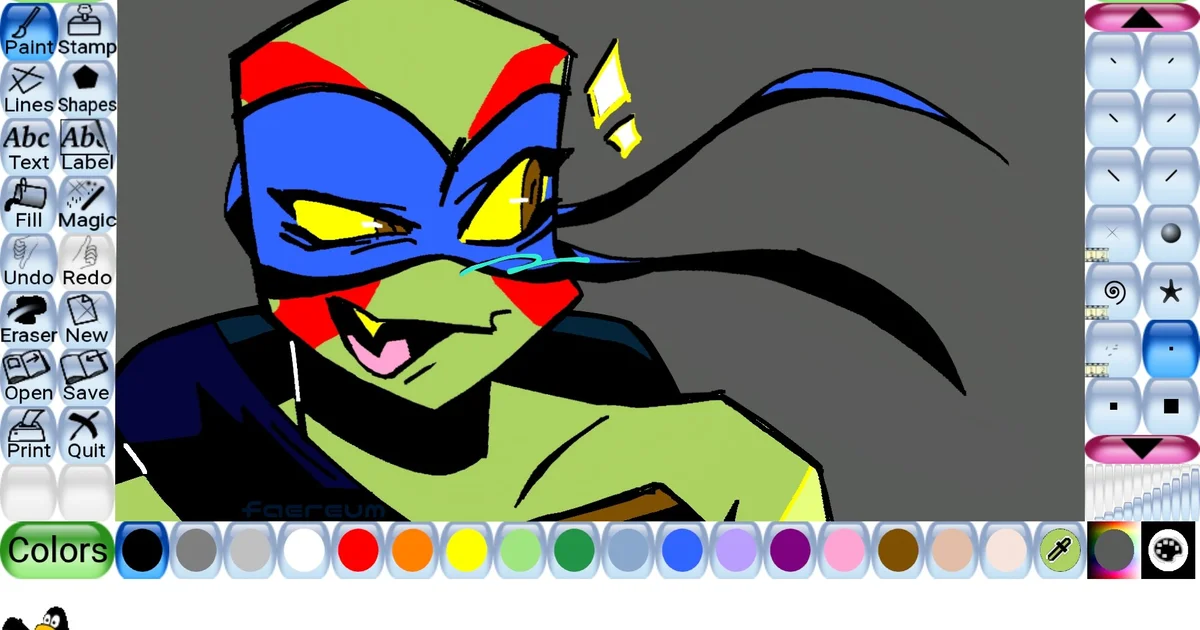
The interface utilizes custom-rendered widgets via SDL, bypassing native OS toolkit libraries. While this deviates from platform-specific Human Interface Guidelines (HIG), it creates a simplified environment. Configuration is handled via a separate binary (tuxpaint-config) to prevent accidental alteration of settings.
Technical Pros & Cons
Pros:
- Minimal Attack Surface: The C/SDL stack eliminates the risks associated with browser-based frameworks (e.g., Electron XSS).
- Auditable Build System: The
Makefileis transparent, showing exact compiler flags and library linking, allowing verification of reproducible builds. - Legacy Hardware Support: Direct SDL usage allows compilation on older architectures where modern web frameworks fail.
Cons:
- No Data-at-Rest Protection: Source code confirms files are written using standard
fwrite, leaving them vulnerable to theft if the OS is compromised. - No Application Sandboxing: The
mainfunction does not utilize OS-specific sandboxing APIs (like seccomp or AppContainer), meaning a bug in image parsing could theoretically write outside the designated directory. - Deprecated Codebase Risks: Some utility functions within the source may utilize older C standard library calls that are potentially vulnerable to buffer overflows if input validation fails.
Verdict
Tux Paint offers a high degree of privacy by virtue of its offline, stateless architecture. It is technically secure against network-based threats. However, the security of the output data relies entirely on the physical security of the host machine.
Security Note: Since the software stores data locally without encryption, Full Disk Encryption (FDE) is strictly required to protect user privacy on mobile or shared devices.